
iris CAN2WiFi
The WiFi configuration and calibration tool for iris Gen 1 instruments — for the workshop, the fleet and the manufacturer who set up many of them. Includes a 30 cm CAN cable.
- Opens an iris Gen 1 to configuration and calibration from any phone, tablet or computer over WiFi
- Made for maintenance organisations, fleets and manufacturers who set up many instruments
- Not needed for iris Gen 2 — the configuration portal is built in; for one instrument, the layout configuration service is the cheaper route
- iris CAN2WiFi device
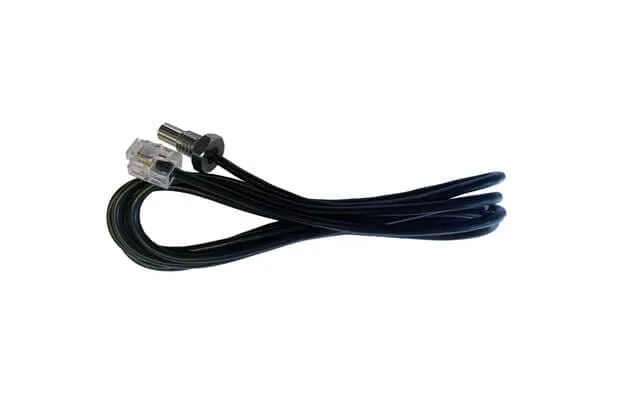
- 30 cm CAN cable
See it fly.
You may also like.
Details.
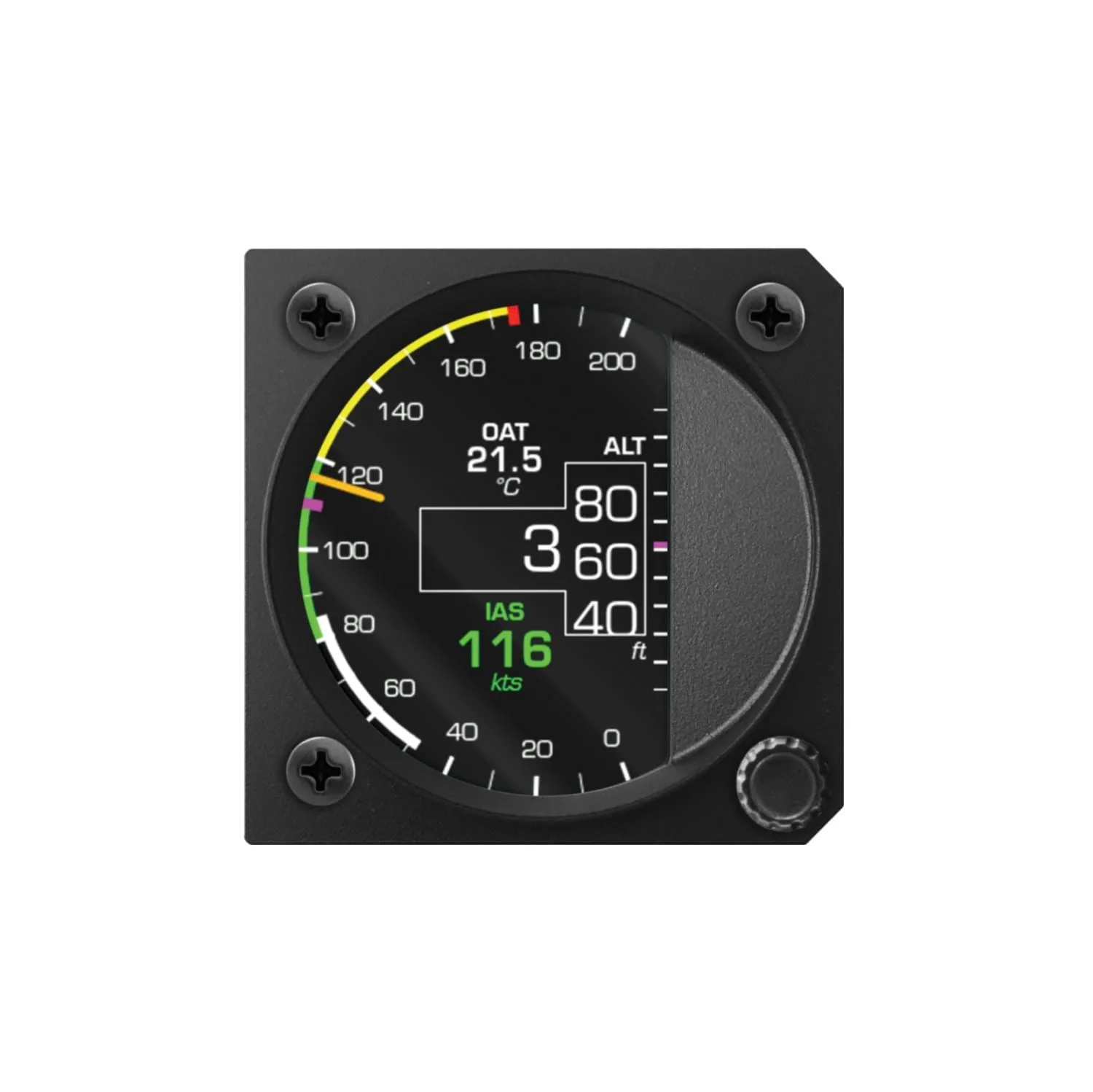
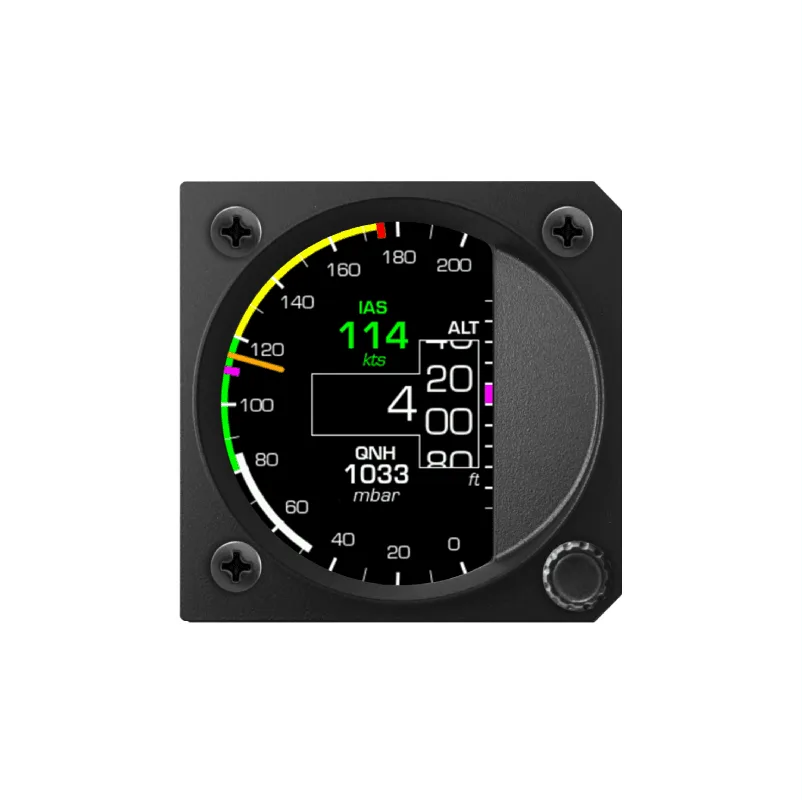
The CAN2WiFi is the tool that opens an iris Gen 1 instrument to configuration. Plugged into the instrument's CAN port, it puts up a WiFi network; connect from any phone, tablet or computer and the iris configurator is in front of you — every value on the face, its position, size and colour, the speed arcs and the Vne line, the units, the background — and, for the instruments that measure, the calibration.
Who it is for
A maintenance organisation that sets up iris instruments for customers. A club with a fleet. A manufacturer fitting them on a production line. Anyone who configures many instruments, or configures the same one often, and wants the whole panel done in minutes before installation. For one iris in one aircraft, the iris layout configuration service does the job for a fraction of the price: order it with the instrument and it arrives set up.
What it does
- Arrange the face: which values are shown, where, how large, in which colour
- Draw the arcs and the Vne line for your flight manual, in your units
- Lock the configuration with a password, so nobody redraws the scale between flights
- Calibrate the instrument's sensors
- Update the firmware
iris Gen 2 does not need it
The iris AiO Gen 2 and Display Gen 2 have the configuration portal built in — the same WiFi connection from any device, no extra hardware — and it calibrates the instrument as well (IAS, TAS and CAS). The CAN2WiFi is for the Gen 1 series: EFIS, EFIS Pro, all-in-one, airspeed indicator, altimeter, chrono, G-force and display.
In the box
The CAN2WiFi device and a 30 cm CAN cable to connect it to the iris. It draws its power from the instrument.
Questions pilots ask.
Do I need it for one iris?
Not necessarily — for a single Gen 1 instrument the iris layout configuration service sets it up before shipment for a fraction of the price. The CAN2WiFi pays off when you configure many instruments or the same one often.
Does it work with iris Gen 2?
It is not needed: the iris AiO Gen 2 and Display Gen 2 have the configuration portal built in, with calibration of IAS, TAS and CAS on the AiO.
What can it change?
Which values are shown, where, how large and in which colour; the speed arcs and Vne line in your units; a password lock for club aircraft; sensor calibration; firmware updates.