
Atmo 3D wind licence for Era
Schaltet Atmo 3D-Wind auf dem Era 80, Era 57 oder Era essential frei, den Sie bereits besitzen – Live-Wind in drei Dimensionen und ein böenimmunes Smart-Vario, geliefert als Lizenzdatei.
- Live 3D wind and a gust-immune smart vario on the Era you already own
- No compass, no second GNSS antenna and no new hardware
- Made for the serial number of one instrument and loaded from its SD card
Das könnte dir auch gefallen.
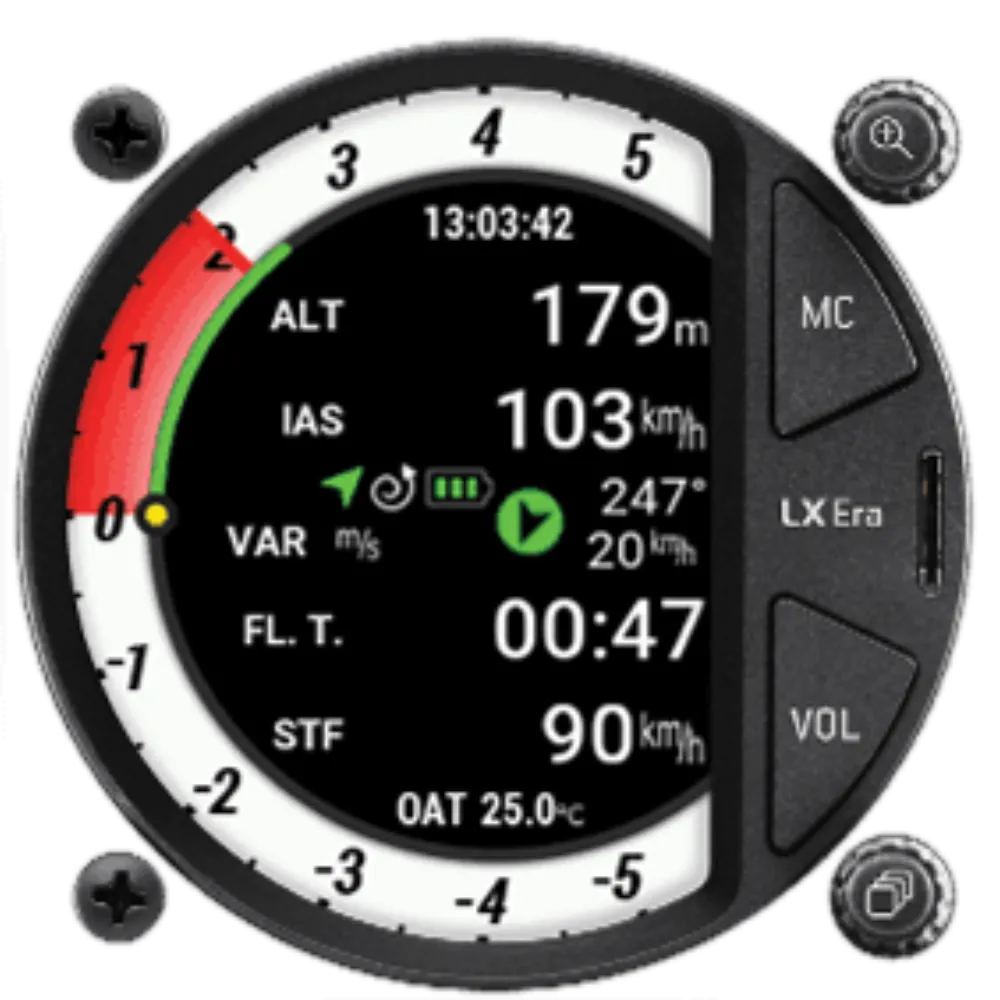
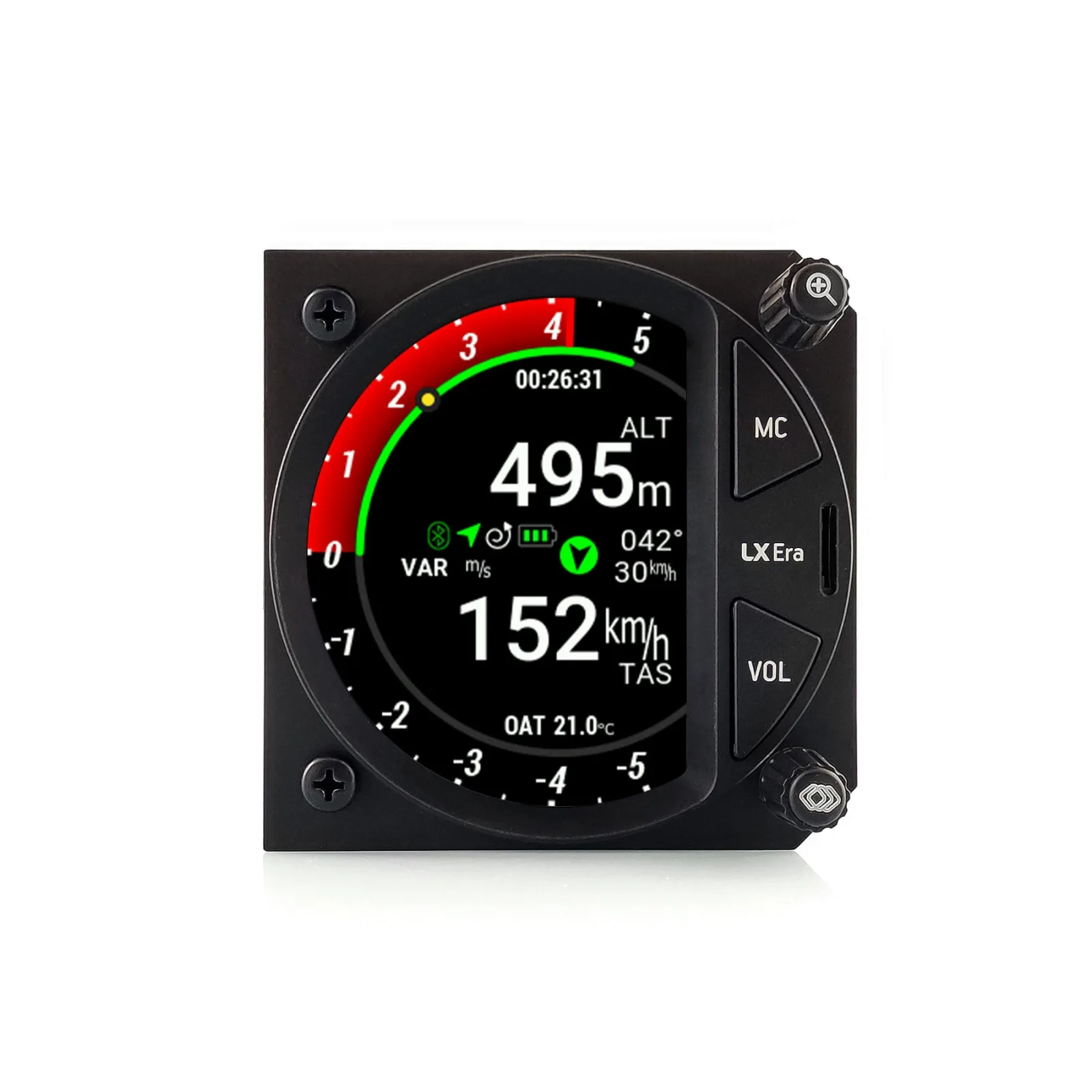
Details.
Atmo auf dem Era, den Sie schon fliegen
Jeder Era trägt die Bewegungssensoren, die Atmo braucht. Diese Lizenz macht aus dem Instrument in Ihrem Panel ein 3D-Wind- und Luftmassen-Vario-System – keine neue Hardware, keine Arbeit am Panel, nichts einzuschicken. Atmo misst den Wind im Geradeausflug wie im Kreisen, dazu das Steigen und Sinken der Luft selbst, ohne Kompass und ohne zweite GNSS-Antenne. Atmo entdecken.
Was Sie im Cockpit bekommen
- Wind-Seite – der aktuelle und der mittlere Wind als Pfeile und Zahlen, live im Geradeausflug und im Kreisen
- Smart-Vario – eine zweite, cyanfarbene Nadel auf der Vario-Skala, eine Smart-Vario-Navbox und auf Wunsch der Vario-Ton: böenimmun im Vorflug und beim Einflug in die Thermik, das tatsächlich erreichte Steigen, sobald Sie zentriert kreisen
- Selbstkalibrierung – Fehler des Staudrucksystems und die Luftdichte werden im Flug gelernt
- Hinterer Sitz und Flug-Apps – die Werte gehen über CAN an ein Instrument im hinteren Sitz und in den LX-NMEA-Sätzen an Flug-Apps
Lieferung
Die Lizenz wird für genau ein Instrument erstellt: Geben Sie die sechsstellige Seriennummer Ihres Era an der Kasse ein oder später über den Link in Ihrer Bestätigungs-E-Mail, und laden Sie die Lizenzdatei Fusion.lic herunter. Dann:
- Aktualisieren Sie den Era auf die aktuelle Firmware.
- Kopieren Sie Fusion.lic in das Hauptverzeichnis der Micro-SD-Karte.
- Wählen Sie Setup › Service › Load license und dann die Datei.
- Schalten Sie den Era aus und wieder ein – Atmo startet beim nächsten Einschalten.
Die Schritt-für-Schritt-Anleitung finden Sie in der Wissensdatenbank.
Gilt für
Era 80, Era 57 und Era essential der ersten Generation sowie Era essential 57 Gen 2. Der Era 57 Gen 2 wird mit aktiviertem Atmo ausgeliefert.
Fragen, die Piloten stellen.
Which instruments can run Atmo?
Era 80, Era 57 and Era essential of the first generation, and the Era essential 57 Gen 2. The Era 57 Gen 2 ships with its Atmo licence already installed.
How do I install the licence?
Update the Era to the current firmware, copy Fusion.lic to the root of the micro SD card, choose Setup › Service › Load license, select the file and switch the Era off and on again. The full guide is in the knowledge base.
Can I move the licence to another Era?
No. The licence file is computed from the serial number of one instrument and works only on that unit. If the Era moves to another glider, Atmo moves with it.
Does a second-seat instrument need its own licence?
No. A second-seat Era on the same CAN bus shows the wind and smart vario of the front instrument, as long as both run current firmware.
I have an LX AHRS module. Does Atmo change my AHRS page?
Yes. With Atmo running, the Era's AHRS page shows Atmo's own attitude estimate instead of the module's; an iLevil or gMicro connected to the Era still takes precedence. Compare the two on the ground and in your first flights.