
iris Display Gen 2
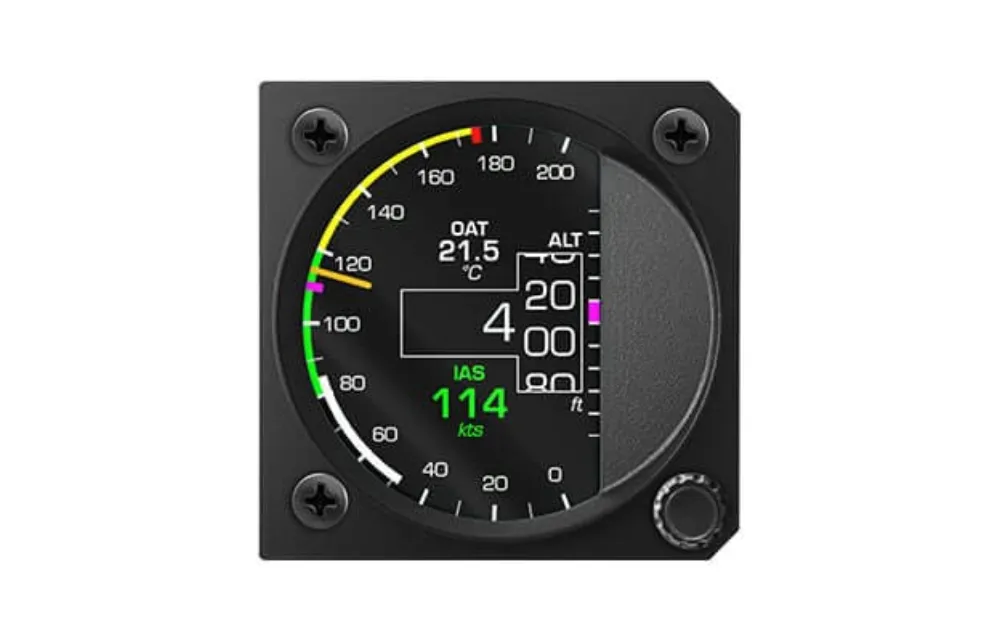
iris Gen 2 display unit without pressure sensors: shows CAN-bus data from any LX navigation system, or works standalone as a G-meter or chrono.
- The same fully round face as the AiO, without the pressure sensors
- Repeats any LX navigation CAN system, or works standalone as a G-meter or GNSS chrono
- Built-in configuration portal over WiFi — no CAN2WiFi needed
You may also like.
Details.
The same face, without the sensors
iris Display Gen 2 has the same fully round LCD and the same built-in WiFi configurator as the AiO — but no pitot/static connection. It shows what the CAN bus already knows: airspeed, altitude, G-load, GPS, whatever your system measures.
Or completely on its own
Two functions need no CAN partner at all: enable the G-force function and it is a standalone G-meter; connect an external GNSS receiver (GPS mouse) to the RS232 port and it is a standalone chrono with GPS data.
Where it fits
- A second face for an iris AiO Gen 2 — dedicated airspeed indicator plus dedicated altimeter
- A repeater for the rear seat or second pilot — one CAN cable, every readout mirrored
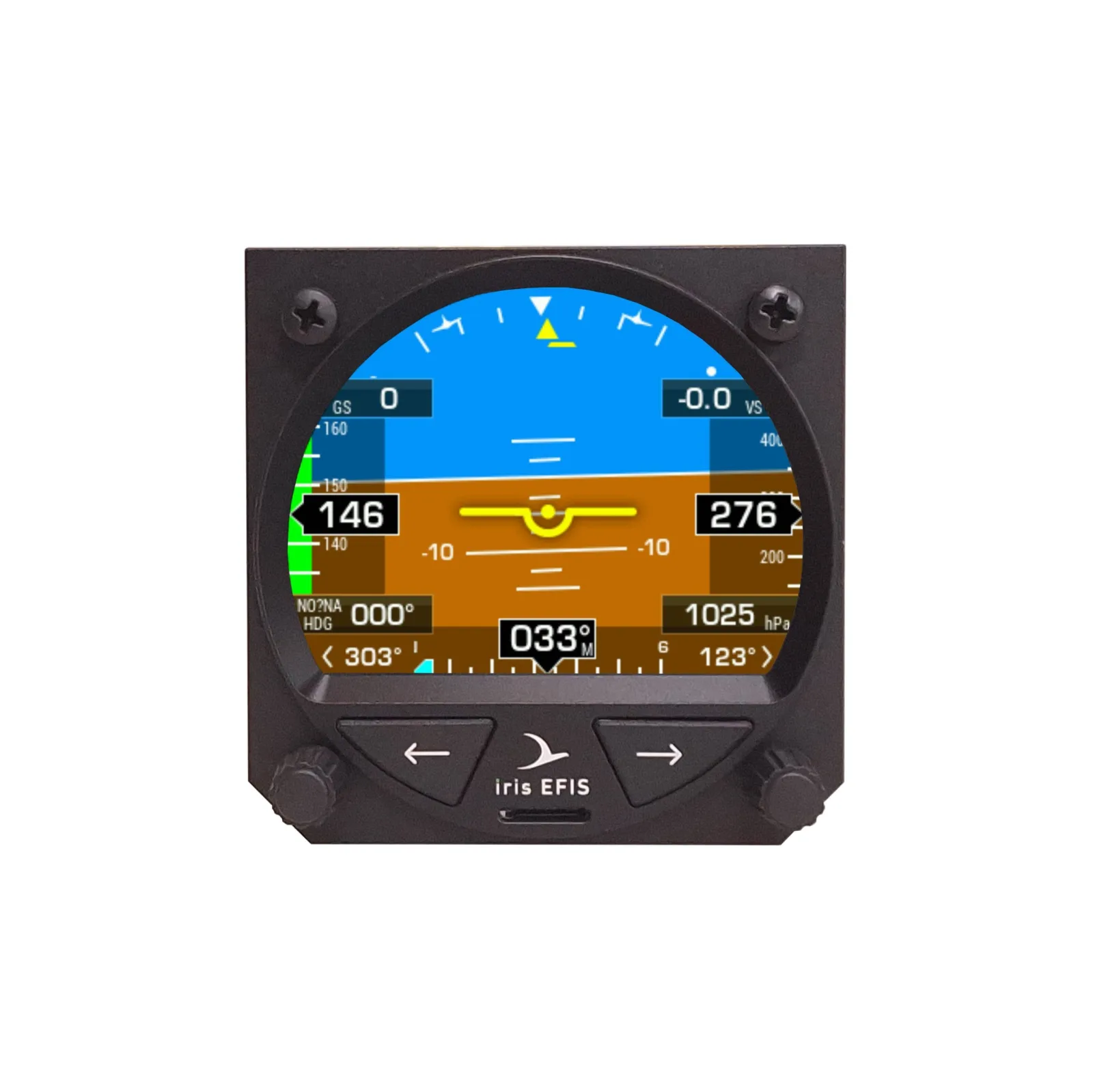
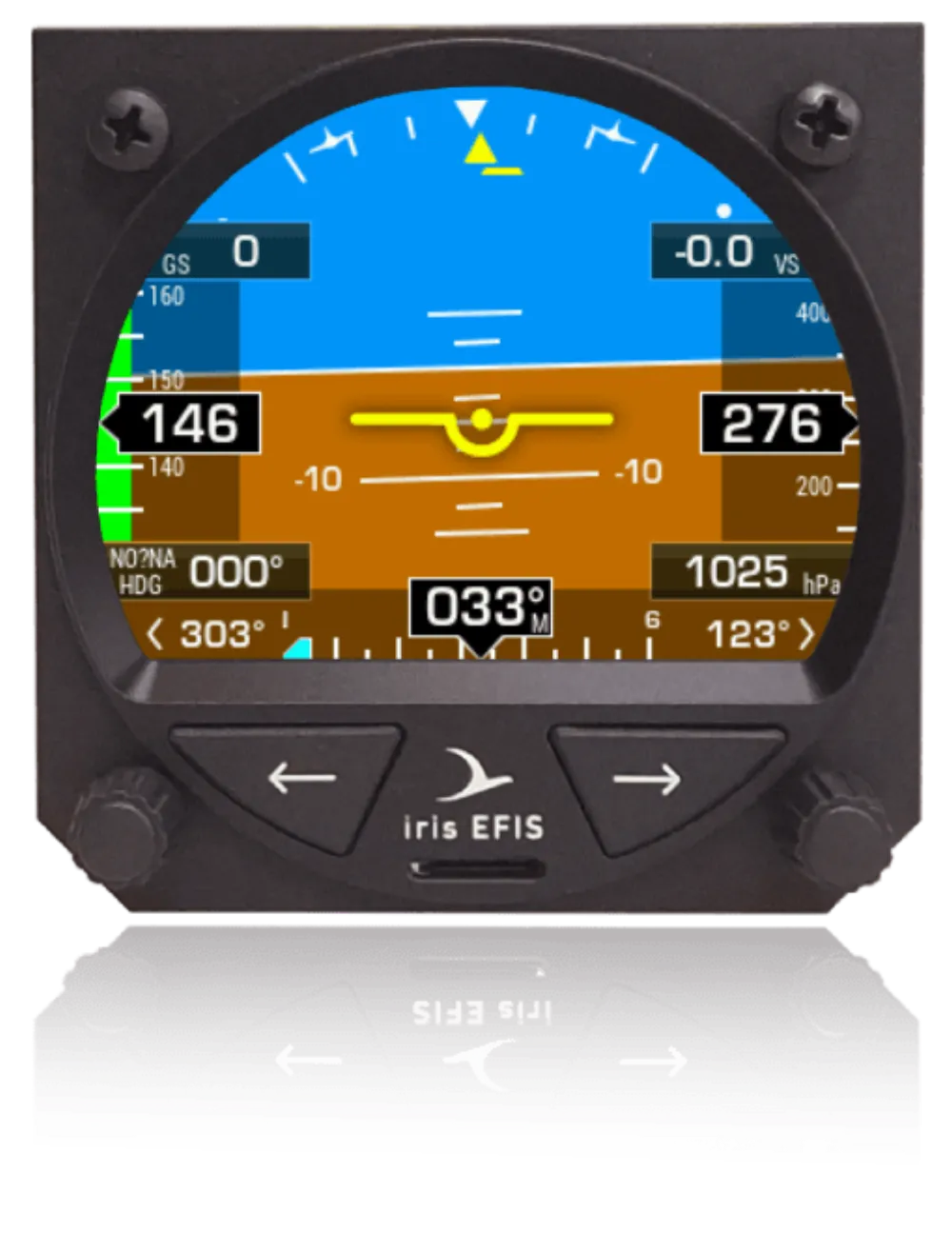
- An extra display for IRIS EFIS, IRIS EFIS Pro, Era or any LX navigation CAN device
- A standalone G-meter, or a standalone chrono with an external GNSS receiver
In the panel
- Standard 57 mm cutout, fully round LCD
- Built-in backup battery, at least 3 hours
- 9–30 V DC, CAN bus, RS232 for external GNSS, firmware updates over WiFi
Configure it yourself
The configuration portal is built into the instrument: connect over WiFi from any phone, tablet or computer and set the face, the units and the limits — no CAN2WiFi or any other hardware needed. If you would rather we did the setup, order the iris layout configuration service with it and it arrives ready to fly.