
Navia Gliding 7" kit
A complete Navia glider panel around the 7-inch display, as one item: Display 7, Core Pro, Sense Gliding, Hub, Grip, the rack and every connector set and antenna the installation needs.
- The whole glider panel as one item — nothing missing on installation day
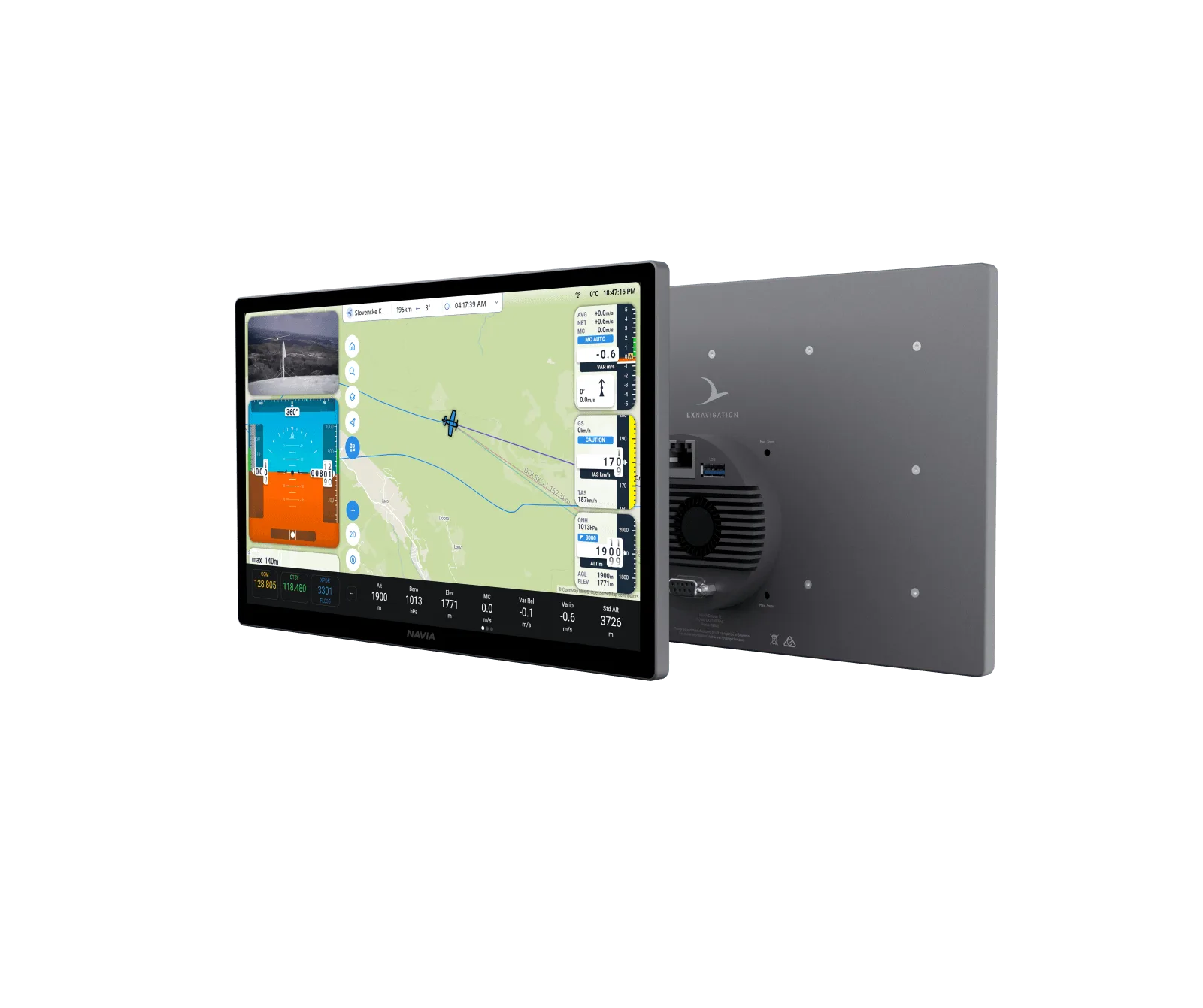
- 7.0 inch portrait display at 2500 nits, the brightest in the range, in a standard glider panel
- AI voice assistant, built-in worldwide eSIM and the heated hand-stitched Grip
- Traffic, a vario indicator, a rear-seat display or the EMU plug into the same network later
- Navia Display 7 with J500 connector set
- Navia Core Pro with J100 and J101 connector sets
- Navia Sense Gliding with J300 connector set and OAT sensor
- Navia Hub
- Navia Grip
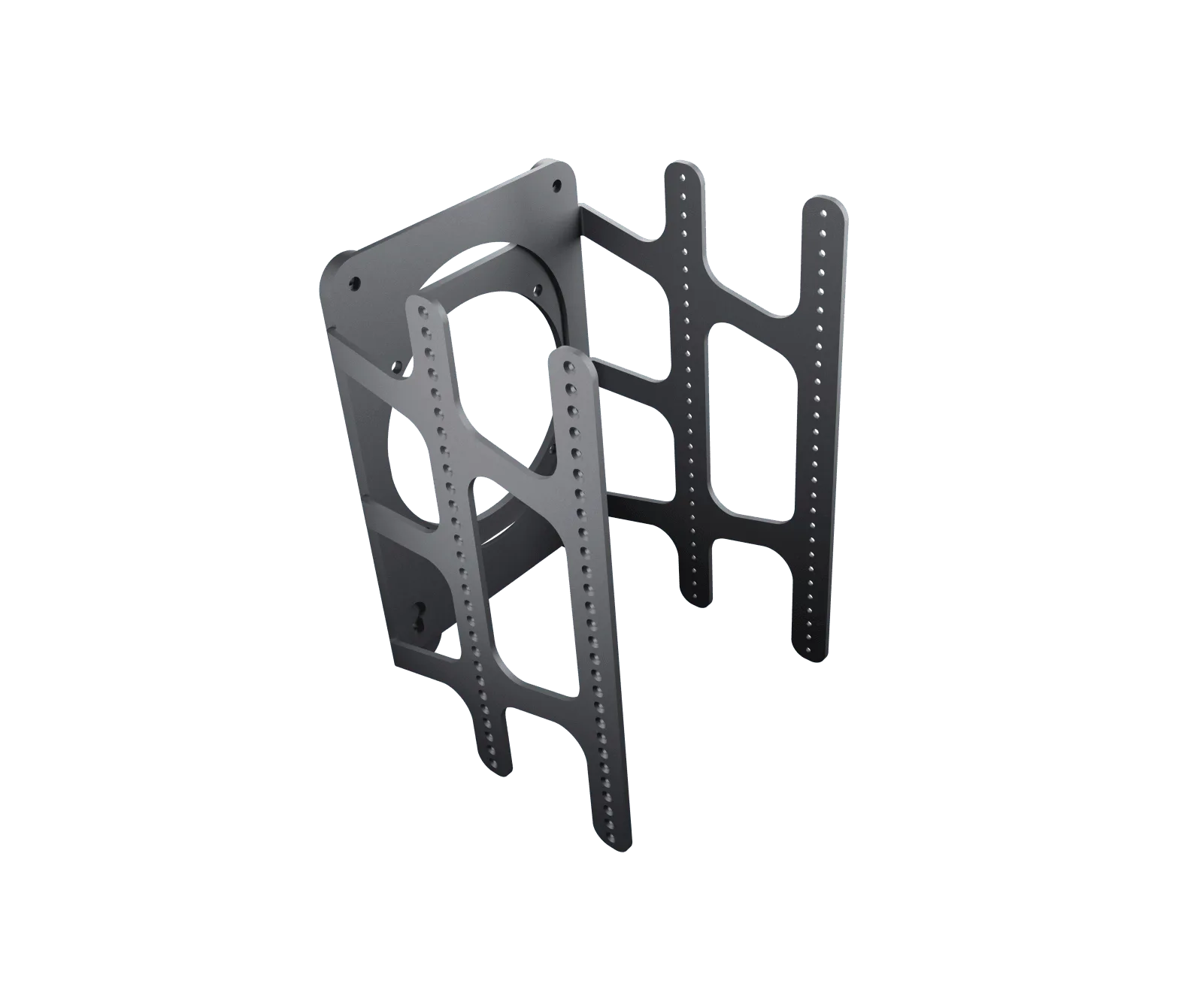
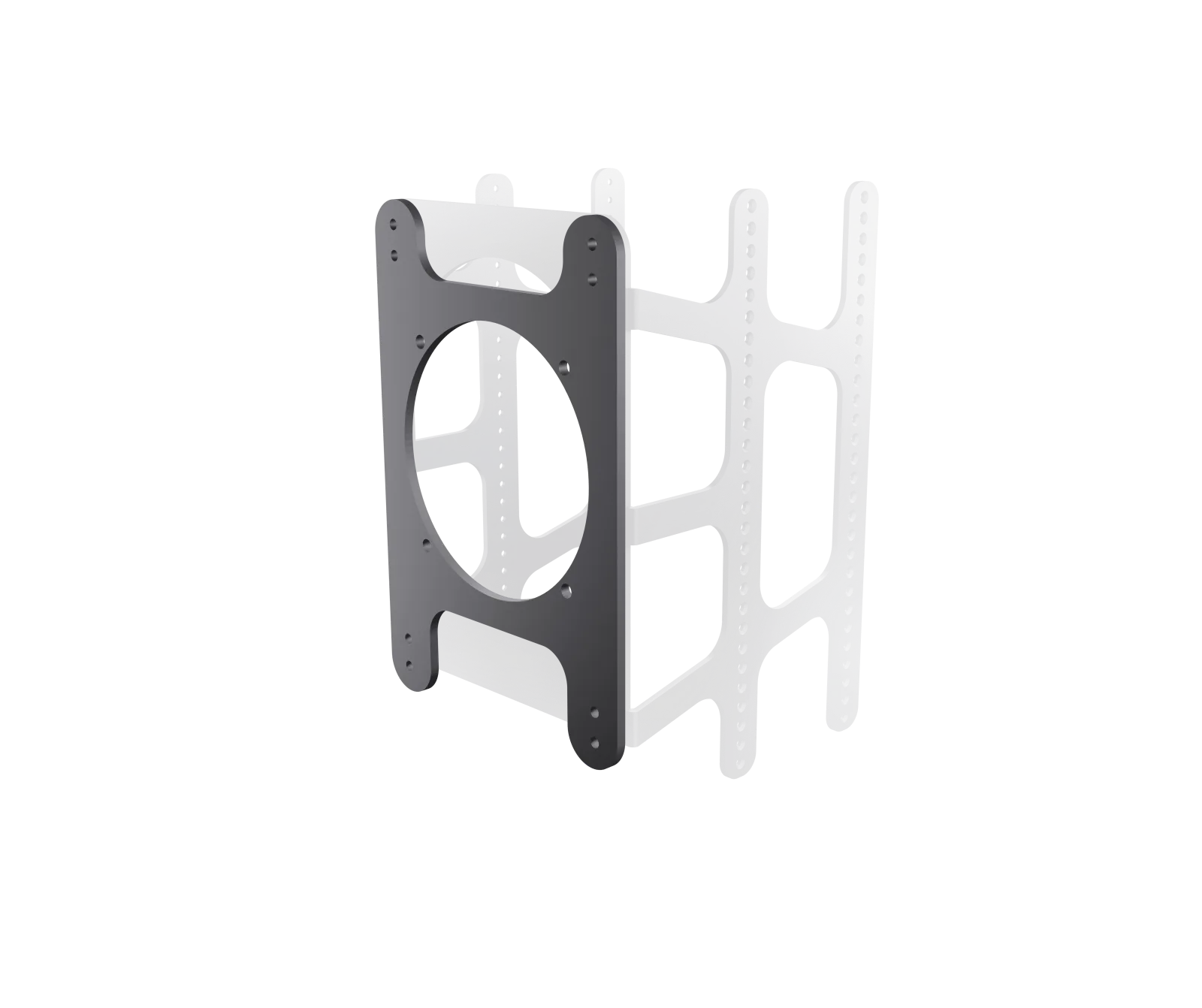
- Navia mounting rack, rack holder and mounting bracket set
- GNSS antenna
- 2 × LTE antenna
- 3 × WiFi/Bluetooth antenna
You may also like.
Details.
A Navia panel is a system, and a system bought as a parts list is a system with a part missing on installation day. The Gliding 7" kit is the whole glider panel as one item — the display, the computer, the sensor unit, the network, the grip, and the rack, connectors and antennas that join them — specified by us so that what arrives is what fits.
What is in the kit
- Navia Display 7 — 7.0 inch portrait, 1200 × 1920 px, 2,500 nits, 113 × 169 mm, with its J500 connector set
- Navia Core Pro — the flight computer: the AI voice assistant, the built-in worldwide eSIM, spatial audio; with its J100 and J101 connector sets
- Navia Sense Gliding — the calibrated sensor unit: pressures, TE probe port, high-accuracy OAT, GNSS with SBAS, the IGC flight recorder; with its J300 connector set and the OAT probe
- Navia Hub — the gigabit switch: one cable carries data and power to each device
- Navia Grip — the heated, hand-stitched leather control grip with the trackpad, vibration alerts and the voice-assistant button
- Navia mounting rack, rack holder and mounting bracket set
- Antennas — GNSS for the Sense, two LTE for the Core Pro's eSIM, three WiFi/Bluetooth
Why the 7-inch
The 7.0 inch portrait display is the size that fits the standard glider panel without rebuilding it, at 2,500 nits — the brightest screen in the range, for a canopy in full sun. Map, vario, task and traffic on one screen, or split, as you configure it.
What you can add
Navia Traffic for FLARM and ADS-B on the same map, a vario indicator in 57 or 80 mm for the needle, a second display in the rear seat, the EMU for a self-launcher's engine — all connect to the same network afterwards. The kit is a starting panel, not a closed system.
For the larger panel, the Gliding 12" kit is the same set around the 11.6 inch display.
Fly Navia before it reaches your panel.
The glider build of Navia OS runs in your browser — on a laptop at home or on a tablet at the airfield. Plan a task, move the widgets where you want them, set up your pilot profiles. Sign in with your LX Cloud account and none of it is throwaway: Navia carries a built-in worldwide eSIM, so everything you prepared on the ground is waiting for you in the cockpit the next time the instrument connects.
Free, in any browser. Sign in with your LX Cloud account rather than continuing as a guest — that is what keeps your tasks, layouts and profiles.
Questions pilots ask.
Do I need anything else to fly it?
No — the kit is the complete panel: display, computer, sensors, network, grip, rack and every connector set and antenna. Navia Traffic, a vario indicator, a rear-seat display or the EMU plug into the same network later.
Which display size should I choose?
The 7.0 inch portrait fits a standard glider panel without rebuilding it. The Gliding 12 kit puts the 11.6 inch landscape display in a panel that has the width for it.