

Displays
Four screens built around one idea: the panel should never be the limit. Full-HD resolution, 2500 nits of brightness and desktop-class silicon — in a unibody aluminium shell.
Documentation →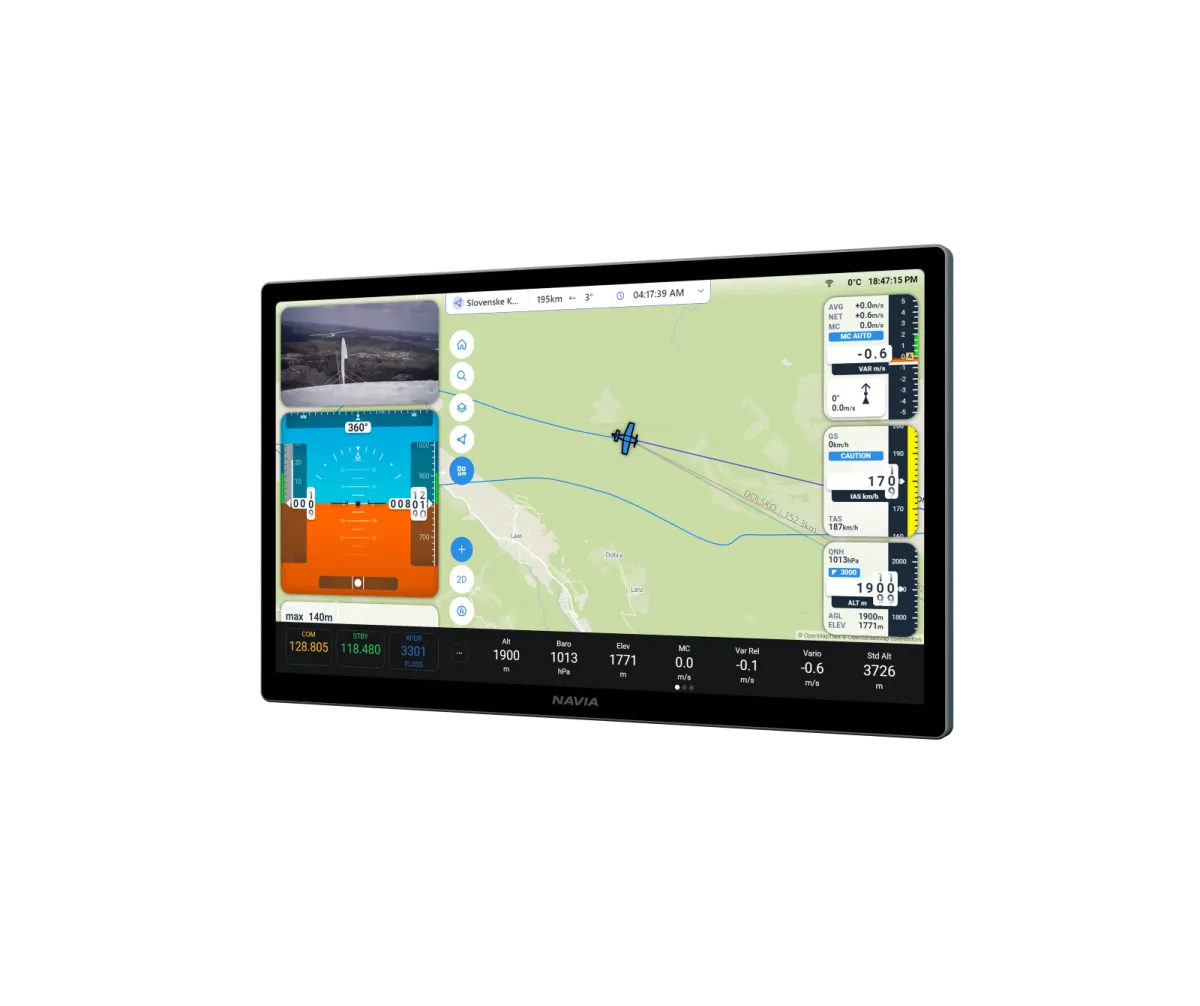
Every display runs an octa-core 2.4 GHz ARM processor — four performance cores paired with four efficiency cores — with 8 GB of unified memory shared with a built-in 3D GPU. A dedicated 6 TOPS neural coprocessor handles real-time voice recognition and pilot assistance, fully offline.
The sharpest displays in avionics.
Up to 323 PPI of Full-HD clarity — several times the resolution of anything else on the market — refreshed 60 times per second. Full Array Local Dimming delivers deep blacks and vivid whites, and up to 2500 nits keeps every pixel readable from brightest sun to darkest night.
Which display fits your panel?
Same silicon, same connectivity — pick the sizes your cockpit needs.
Fly Navia before it reaches your panel.
The glider build of Navia OS runs in your browser — on a laptop at home or on a tablet at the airfield. Plan a task, move the widgets where you want them, set up your pilot profiles. Sign in with your LX Cloud account and none of it is throwaway: Navia carries a built-in worldwide eSIM, so everything you prepared on the ground is waiting for you in the cockpit the next time the instrument connects.
Free, in any browser. Sign in with your LX Cloud account rather than continuing as a guest — that is what keeps your tasks, layouts and profiles.
Engineered for the cockpit
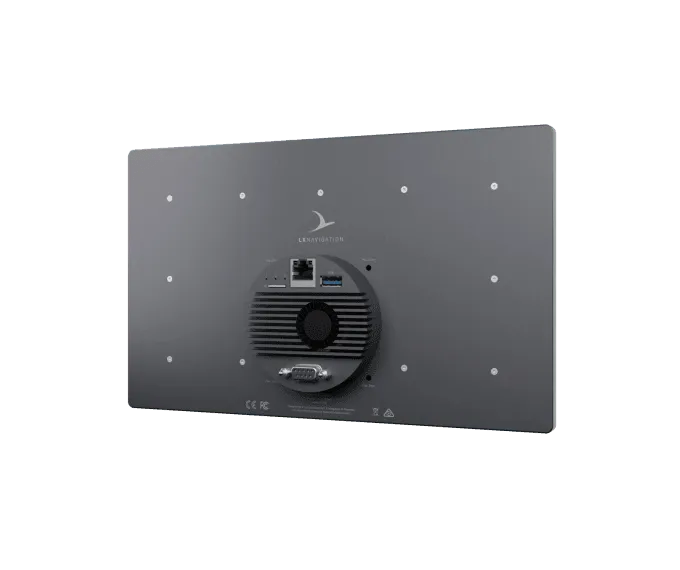
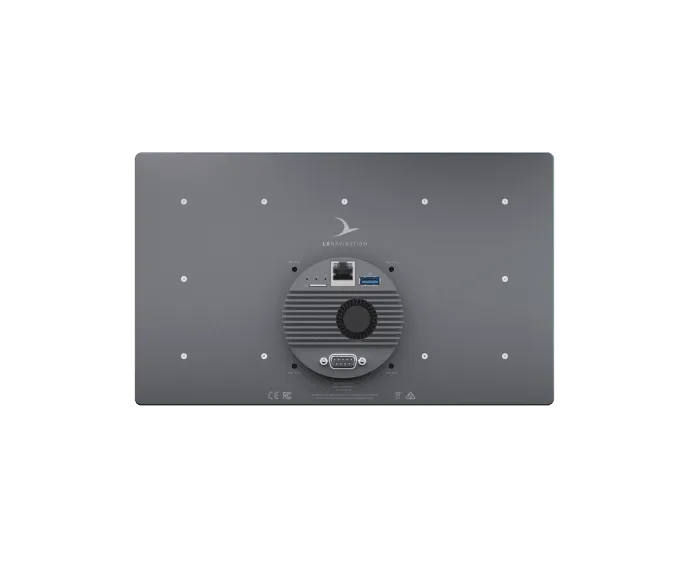
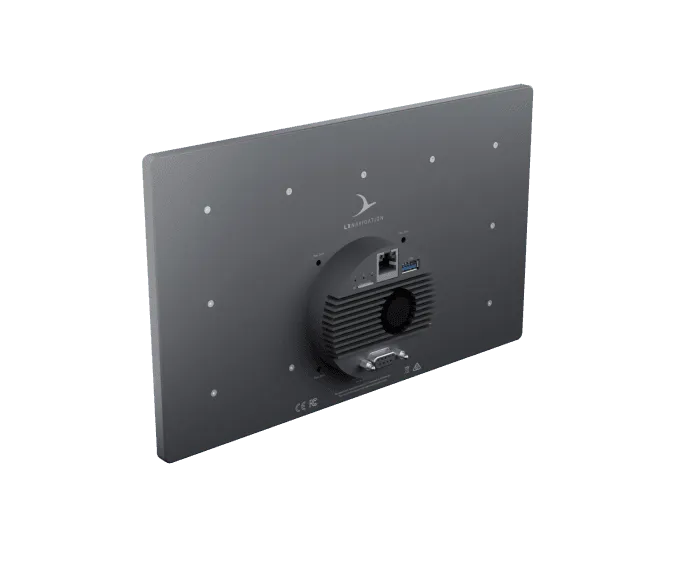
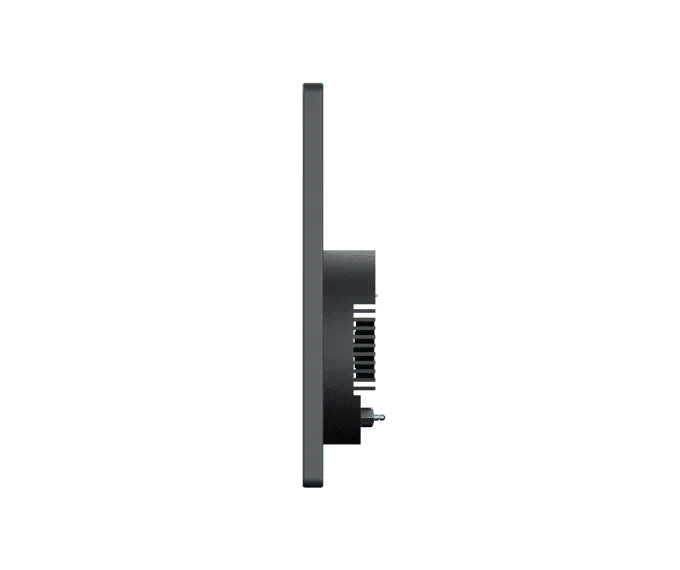
Machined from a single piece of aluminium — the enclosure is the heatsink, dissipating heat fast even in hot climates.
Power and 1 Gigabit Ethernet arrive over a single PoE cable. No power adapters, no harness spaghetti.
A dedicated link between Display and Navia Grip turns the pair into one seamless flight interface.
Installs in standard 80 mm (3.125″) aviation holes with four M4 screws. In the panel in minutes.
A screen of the system, on one cable.
A Navia display works as part of a Navia system: it needs a Core Pro in the aircraft. One PoE cable brings it power and data, and the port on its back takes the Grip and a vario indicator.
Technical specification
- Display 12
- 11.6″ landscape · 1920 × 1080 · 1600 nits · 273 × 165 × 29.6 mm
- Display 7
- 7.0″ portrait · 1200 × 1920 · 2500 nits · 113 × 169 × 29.6 mm
- Display 4
- 4.0″ square · 720 × 720 · 1200 nits · 86 × 88 × 28.4 mm
- Panel cut-out
- Standard 80 mm (3.125″) hole with four M4 screws — all three sizes
- Clearance behind the display
- 30 mm
- Power and data
- One PoE cable · 48 V · 1 Gbit
- Touchscreen
- Capacitive, with anti-reflective and anti-glare coating
- Maximum altitude
- 45 000 ft
Navia is not TSO or ETSO approved. It is intended for VFR flight in gliders, motorgliders, ultralights, light-sport and experimental aircraft.
In the box
- Navia Display 4, 7 or 12
- Device registration card
- M4 mounting screws in several lengths
You will also need
- A Navia Core Pro
- PoE cable — 0.4, 1, 3 or 5 m
- A Navia Hub, from the second display on
Good to know before you install.
- 01The display sits on top of the panel. Only its round 80 mm rear section passes through the cut-out, so the display may overhang the edge of the panel. Four M4 screws hold it from behind.
- 02The screws may enter the display by 3 mm at most: choose a length of panel thickness plus 3 mm. A longer screw presses on the LCD.
- 03Leave 30 mm free behind the display for air and connectors, and keep it 30 cm from the standby compass.
- 04Display 7 is delivered for portrait and Display 12 for landscape mounting. Talk to us before you plan a panel around the other orientation.
- 05Never connect or disconnect the PoE cable or the 9-pin port while the system is powered.
- 06Cover the panel or the canopy on the ground: a bubble canopy can focus the sun onto the screen.
This is an overview, not the installation manual. The manual for your unit governs the installation — follow it, or have an LX dealer do the work.
Questions pilots ask.
Which panel cut-out do I need?
A standard 80 mm (3.125″) instrument hole with its four M4 screw holes — the same for Display 4, 7 and 12. The display itself sits in front of the panel.
Can a display work without a Core Pro?
No. A Navia display is a screen of the Navia system and needs a Core Pro in the aircraft.
How is a display powered?
By the cable that carries its data: one PoE cable from the Core Pro or the Hub. There is no separate power or ground wiring.
Can I have more than one display?
Yes. The first display plugs into the Core Pro; from the second one on, displays connect through a Navia Hub. Each display has its own screen layout.
What connects to the back of a display?
The PoE cable, and a 9-pin port for the Navia Grip and a vario indicator. The adapter of the Grip lets both share that port.
Put it in a system.
Tell the configurator what you fly and how much panel you have. It puts the Navia system together, with prices.