

Core Pro
The computer at the heart of NAVIA — with the first AI voice assistant in avionics, a built-in global SIM, spatial audio and open hardware.
Documentation →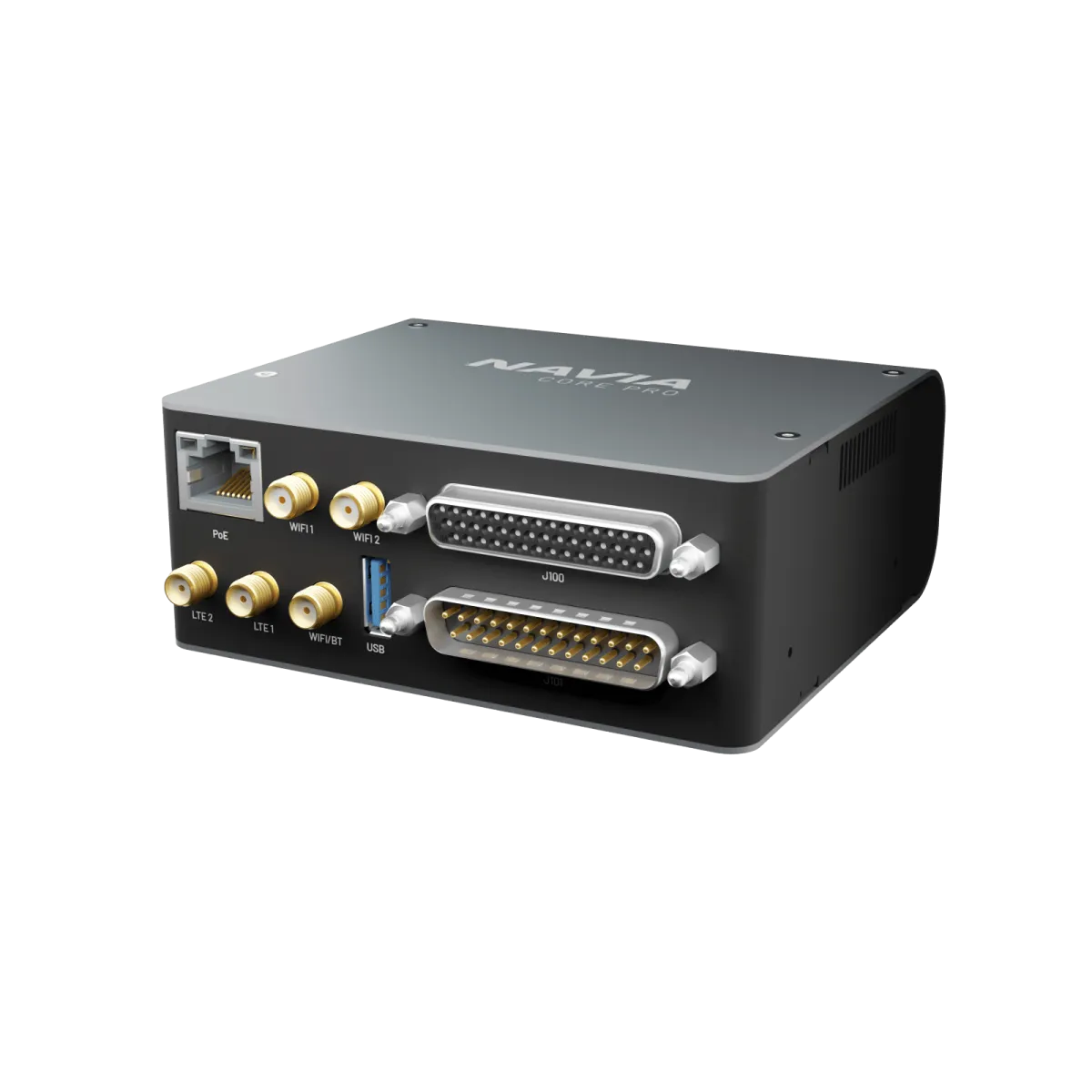
Navia AI is trained on a vast dataset of real-world aviation communication. It understands pilot language, runs entirely offline, and answers with precision — even where there is no connectivity at all.
AI that speaks aviation.
Focus on flying while the assistant handles the routine. It integrates with your cockpit systems and responds to natural commands:
Your airplane, connected.
A built-in global SIM keeps the aircraft online across borders — flight logs, weather and updates sync with LX Cloud without touching a cable or a hotspot.
Fly Navia before it reaches your panel.
The glider build of Navia OS runs in your browser — on a laptop at home or on a tablet at the airfield. Plan a task, move the widgets where you want them, set up your pilot profiles. Sign in with your LX Cloud account and none of it is throwaway: Navia carries a built-in worldwide eSIM, so everything you prepared on the ground is waiting for you in the cockpit the next time the instrument connects.
Free, in any browser. Sign in with your LX Cloud account rather than continuing as a guest — that is what keeps your tasks, layouts and profiles.
Spatial audio.
An immersive 3D soundscape with up to four speakers. Traffic comes from where the traffic is — warnings you hear before you have to read them.
Built open
Schematics you can inspect, extend and trust — innovation is invited, not locked out.
Every communication protocol is public. Integrate third-party devices without reverse engineering.
1 Gbps of data and 100 W of power over a single Ethernet run to the whole network.
The computer every other unit reports to.
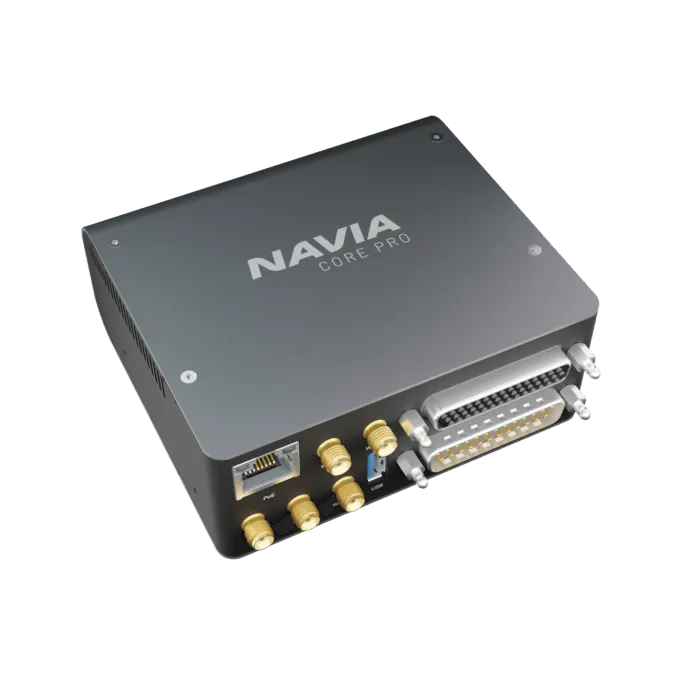
The Core Pro runs Navia OS and holds the one live picture of the aircraft. Displays draw it, sensors feed it, and radios, transponders and traffic receivers are wired to it. It is also the power supply of the system: it takes aircraft power and feeds the displays, the Hub, Sense and Traffic.
Technical specification
- Supply voltage
- 10–32 V DC
- Power inputs
- 3 main + 1 auxiliary (UPS)
- PoE output
- 1 port · 1 Gbit · up to 100 W in total
- Serial ports
- 5 × RS232
- Audio outputs
- 4 × 1.5 W into 4 Ω or more
- Microphone inputs
- 2, electret
- General-purpose inputs
- 5 digital + 2 analog (3.3 V)
- Antenna ports
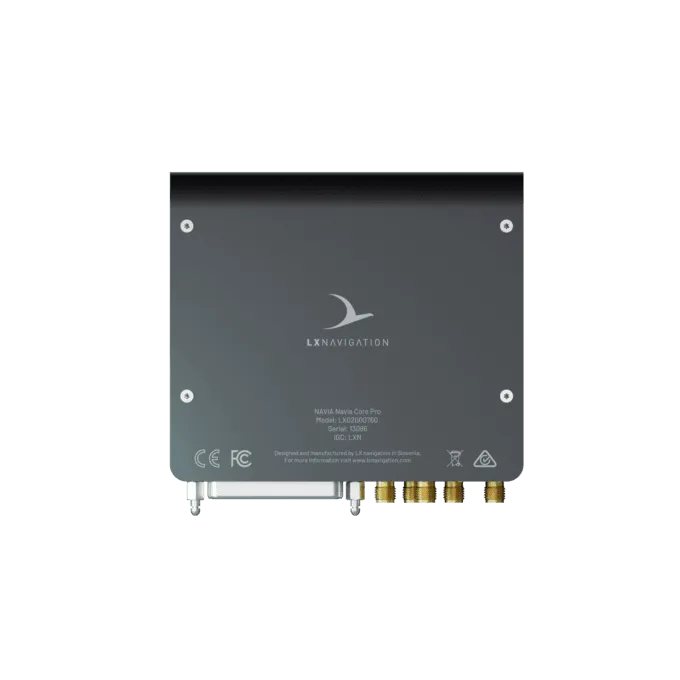
- 5 × SMA
- Mobile data
- LTE with built-in eSIM
- Height in the rack
- 41.5 mm
- Mass
- 315 g
- Maximum altitude
- 45 000 ft
- Start-up time
- About one minute
Navia is not TSO or ETSO approved. It is intended for VFR flight in gliders, motorgliders, ultralights, light-sport and experimental aircraft.
In the box
- Navia Core Pro
- Device registration card
- 4 mounting screws, fitted
You will also need
- 2 LTE antennas and 3 Wi-Fi / Bluetooth antennas
- Connector sets for the 44-pin and 25-pin connectors, or a ready-made harness
- PoE cable — 0.4, 1, 3 or 5 m
- A 7.5 A circuit breaker for each power input
Good to know before you install.
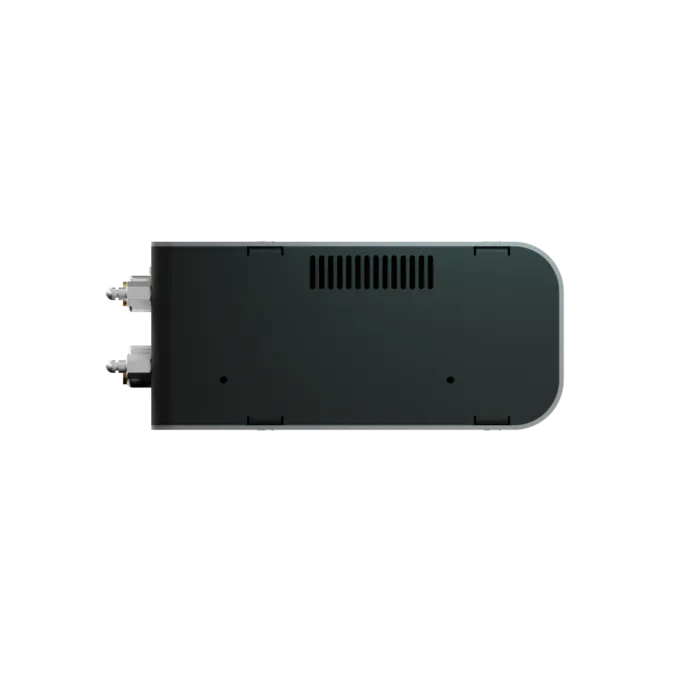
- 01The Core Pro mounts in the Navia rack or on a flat surface with two brackets, behind the panel or in an avionics bay on the cabin side of the firewall. Keep the cooling openings on its sides clear and the unit more than 25 cm from the compass.
- 02The power inputs are not fused inside: each one needs its own 7.5 A circuit breaker. Up to three batteries can be connected at once — the Core Pro draws from the highest voltage, with no selector switch.
- 03Never connect or disconnect a PoE cable while the system is powered, and never plug a CAN, FLARM or computer-network cable into a PoE port.
- 04Fit every antenna before the first power-up. Transmitting into an open antenna port can damage the unit.
- 05The microphone inputs take standard electret microphones. A Becker 6200-series radio needs an RS232-to-RS422 converter.
This is an overview, not the installation manual. The manual for your unit governs the installation — follow it, or have an LX dealer do the work.
Questions pilots ask.
How many devices can I connect to a Core Pro?
One PoE port for a display or a Hub, five RS232 ports for Sense, Traffic, radios, transponders and other serial devices, plus five digital and two analog inputs. The serial ports have no fixed roles: you assign each one on the display.
Do I need a Navia Hub?
Only when more than one unit needs PoE. A single display plugs straight into the Core Pro; a second display or an EMU brings in the Hub.
Which aircraft power does the Core Pro need?
10 to 32 V DC, so 12 V and 24 V systems both work. Up to three sources can be wired in, each through its own 7.5 A circuit breaker.
Does it need a SIM card or a phone hotspot?
No. The Core Pro has a built-in eSIM. System software updates download over Wi-Fi, and the online services it reaches are part of LX Cloud Premium.
Does the voice assistant need an internet connection?
No. Speech is recognised on board, with no connection. Commands are spoken in English, in standard aviation phraseology.
Can I keep my radio?
Navia drives the TQ KRT2, the Funke ATR833, the Becker 6200 series, the Trig TY91, TY92, TY96 and TY97 and the Air Avionics Air Control Display over RS232: frequencies from the touchscreen, from the Grip or by voice. For a radio that is not on this list, ask us before you buy.
Put it in a system.
Tell the configurator what you fly and how much panel you have. It puts the Navia system together, with prices.