
FLARM to Navia Core Pro harness (RJ45 – crimped leads)
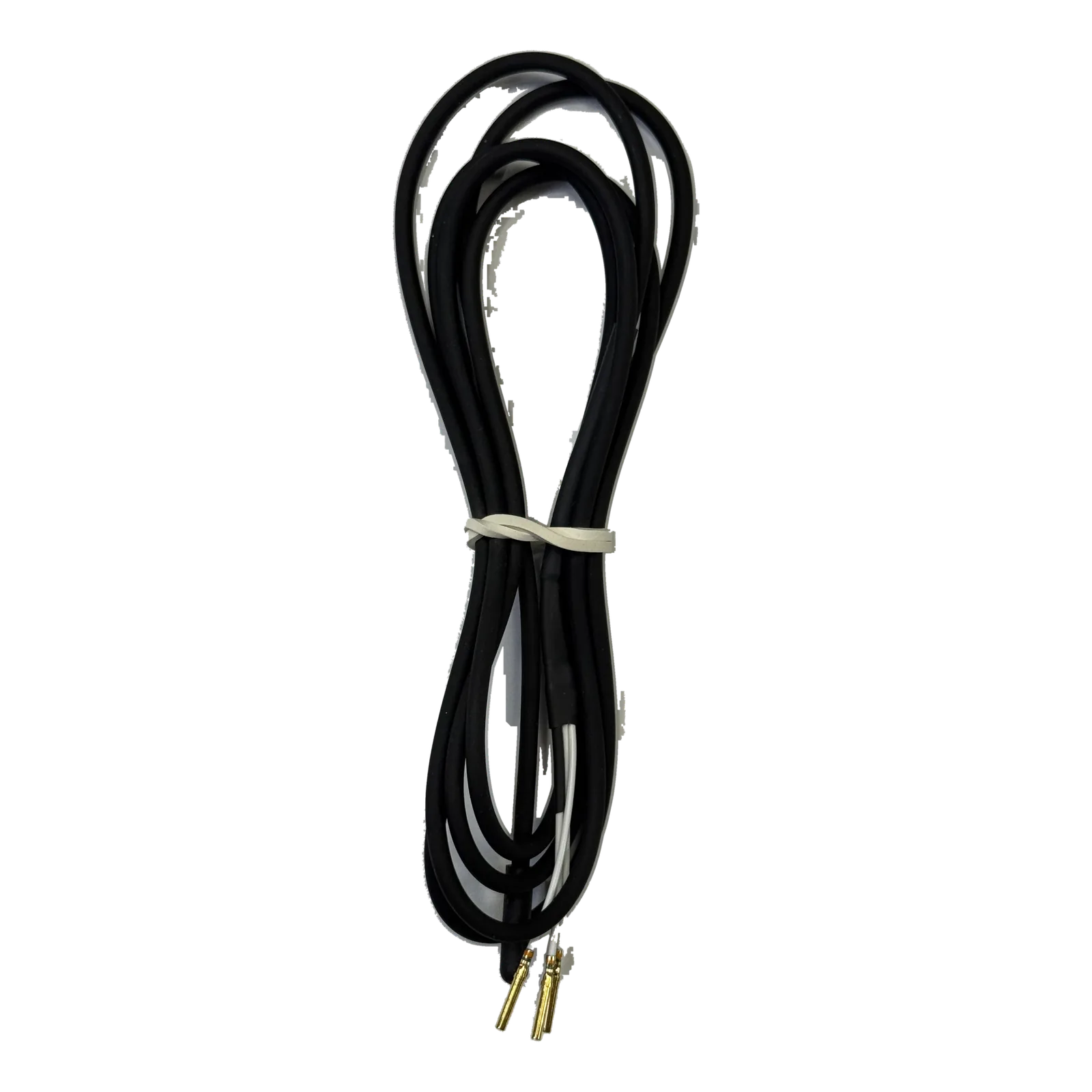
The harness that connects the FLARM you already fly with to the Navia Core Pro: an RJ45 plug on the FLARM side, open leads with crimped pins on the Core Pro side.
You may also like.
Details.
The Navia Core Pro accepts traffic from any receiver that outputs FLARM-format NMEA data. If a FLARM is already installed in your aircraft, this harness is the connection between the two: you keep the FLARM, and its traffic appears on every Navia display, with spatial audio warnings.
What it is
- RJ45 plug on one side, for the data port of the FLARM
- Open leads with crimped pins on the other, ready to insert into the Core Pro connector housing
- Four wires: power, ground and the two serial lines
How it connects
The crimped pins go into the Core Pro connector on a spare RS232 port and a fixed power output, so the FLARM is powered whenever the avionics are. The protocol is then assigned in Navia OS under `Airplane Settings › Devices`.
Fit
For FLARM devices with the standard FLARM RJ45 data port. A PowerFLARM Core or a FLARM Fusion is better connected through its 9-pin D-Sub, which leaves the RJ ports free for a display — ask us. The harness carries data and power only: the FLARM keeps its own antennas. It is not needed with a Navia Traffic, which sits in the rack on the Core Pro and uses the J200 connector set.