From planner to panel: SkySight tasks and SeeYou waypoint pictures on Navia
Publish a task in SkySight and find it in Navia’s task list. Upload SeeYou waypoints with their pictures once, and Navia brings them aboard over Wi-Fi. Six new guides cover every LX Cloud service.
Much of a good flight is planned on the ground — in a forecast, a planner, a waypoint file. LX Cloud’s job is to carry that work to the aircraft without a laptop or an SD card. Now two more things make the trip.
Your SkySight task, in the task list
Publish a task in the SkySight planner and Navia adds it to its task list by itself, in place of the previous SkySight task. It never touches the task you are flying: you decide when to activate the new one. Switch it on once, under Connected services in the LX Portal.
SeeYou waypoints with pictures
A SeeYou .cupx file carries pictures of the fields and airfields next to the waypoints. Upload one of up to 250 MB to My files in the LX Portal, and Navia downloads it over Wi-Fi — never over its cellular connection.
Six new guides in the knowledge base
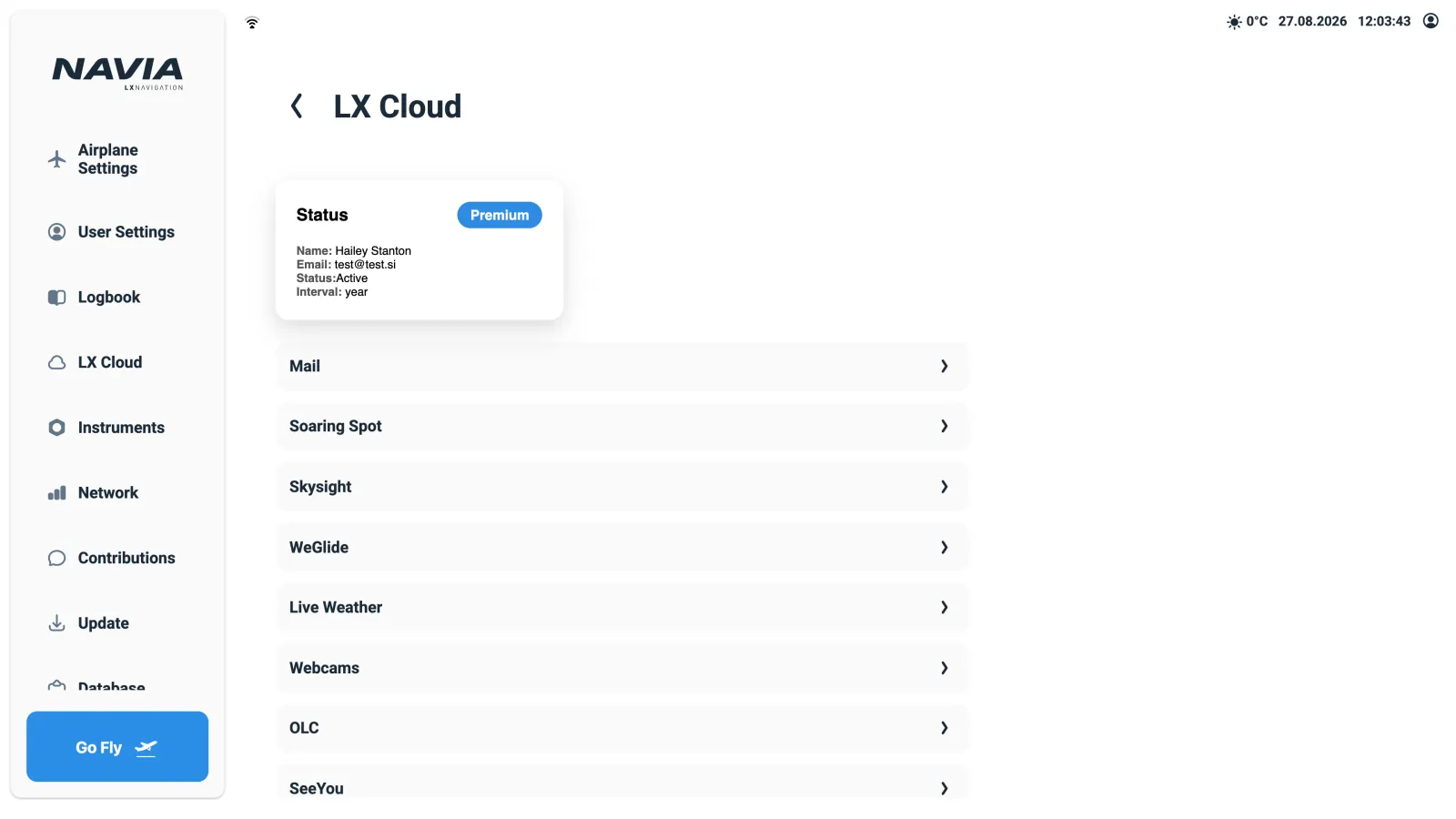
- Connected services — what each of the eight LX Cloud services does, and what it needs.
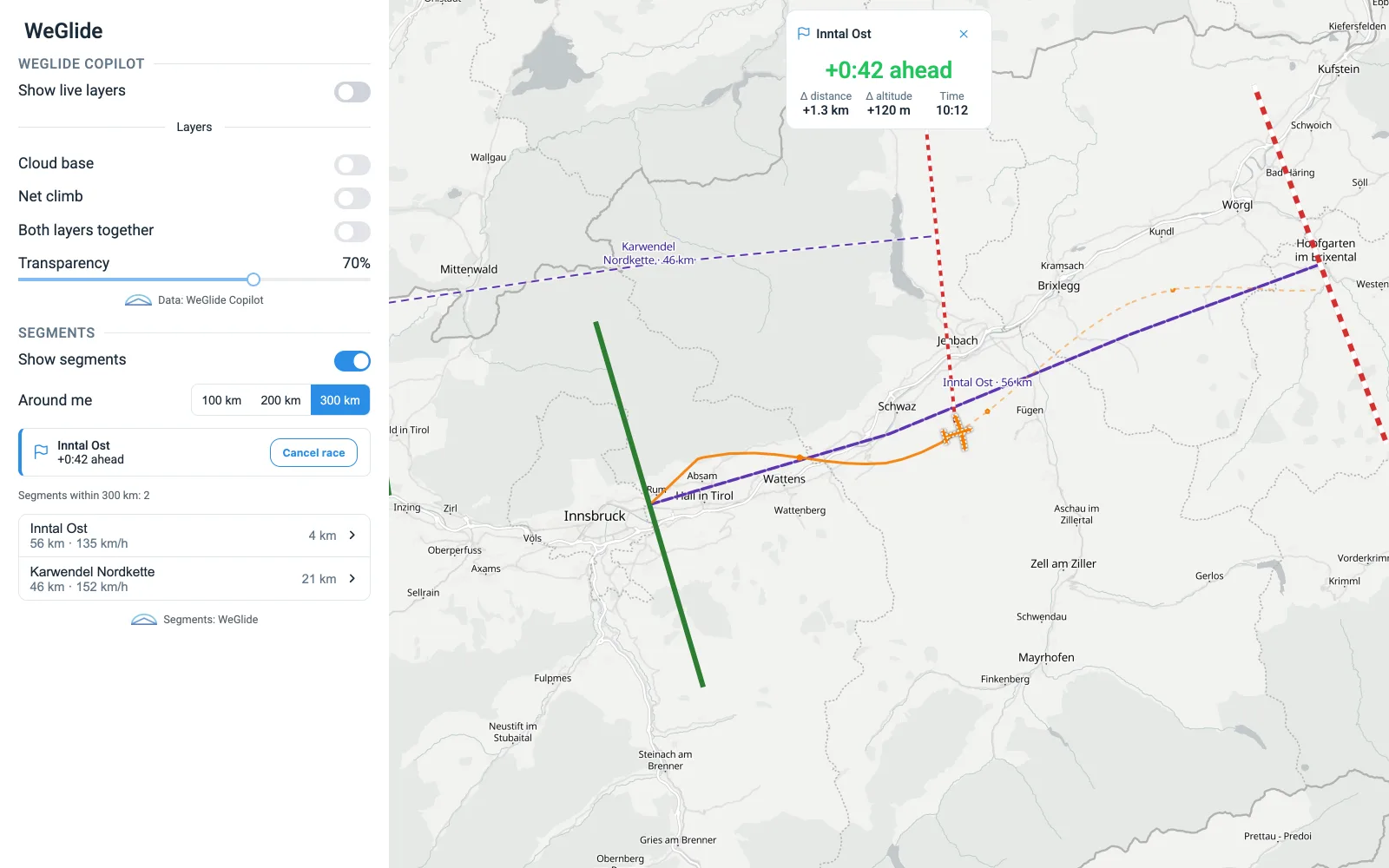
- WeGlide — flight upload, tasks and segments on Era, Zeus and Colibri, and Copilot and segment racing on Navia.
- SoaringSpot — the day’s task and contest airspace for your class, and uploading for scoring.
- SkySight tasks on Navia — from the planner to the task list.
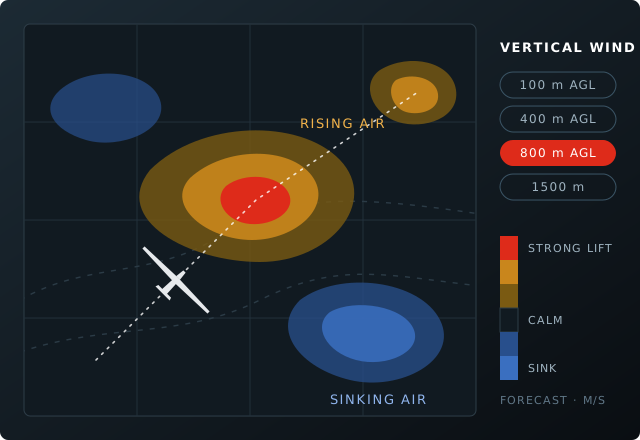
- Weather on Navia — SkySight, TopMeteo, XC Therm and rain radar side by side.
- SeeYou waypoints with pictures — uploading a .cupx and getting it to Navia.
Stories like this by email — firmware releases, new instruments and show dates, a few times a year.