

Traffic
A PowerFLARM unit built for Navia: FLARM on its own, or FLARM and ADS-B in one box. Every aircraft it receives, on every display — one unified traffic picture.
Documentation →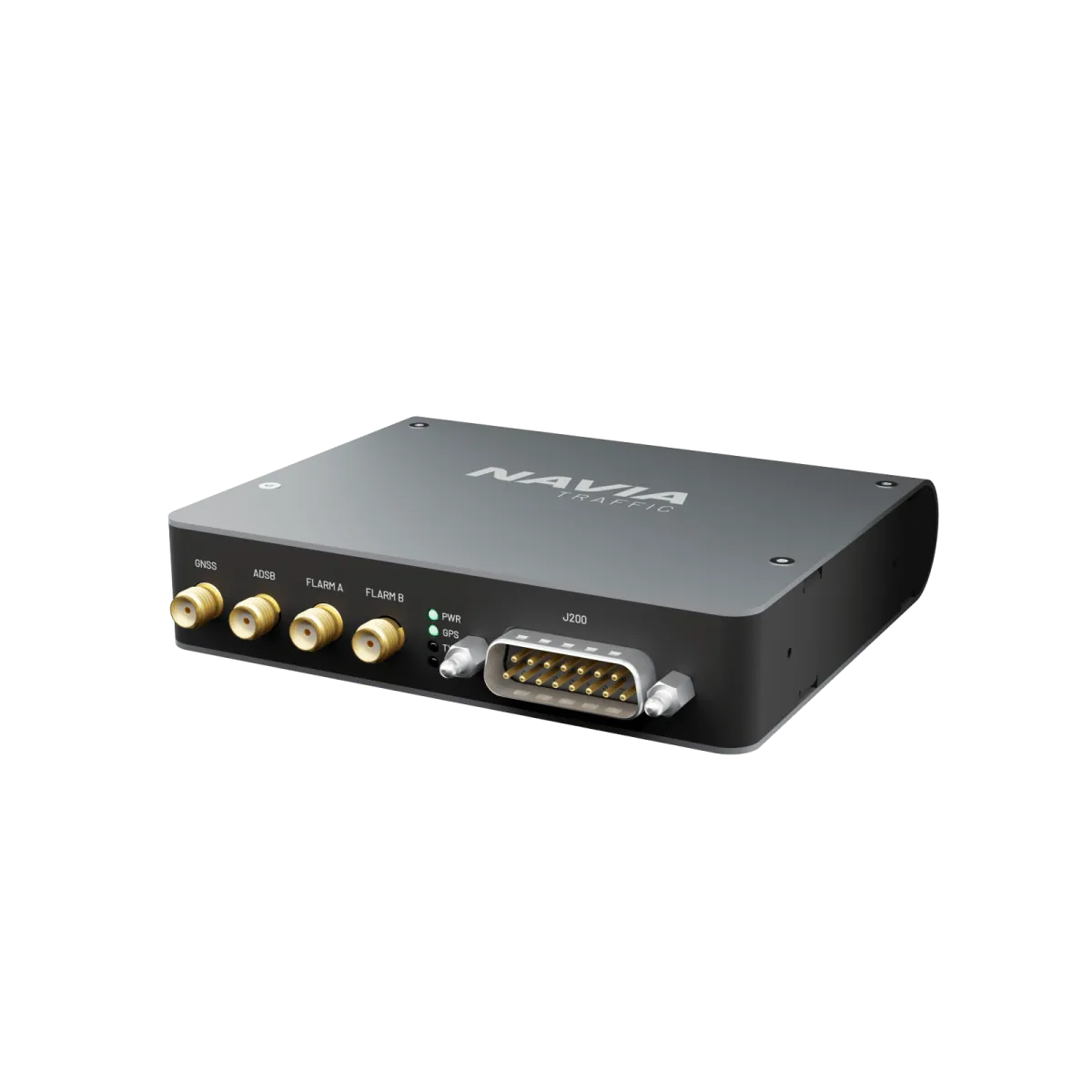
FLARM, and ADS-B on the dual variant — Navia Traffic feeds every target it receives to the whole NAVIA system. With an internet connection, Navia adds OGN traffic from the Open Glider Network.
Eyes everywhere
Individually configure up to 3 data ports and connect via NMEA, GDL90 or Garmin TIS protocol.
Works with compatible LX traffic displays, Kanardia Nesis, Dynon SkyView, Garmin G3X and Aera.
With Core’s spatial audio, an alert from your four o’clock sounds from your four o’clock.
Flarm only, or Flarm and ADS-B in one unit — choose the Navia Traffic that matches your airspace.
One receiver, every screen.
Navia Traffic is a PowerFLARM unit in the Navia rack format. It hands every target it receives to the Core Pro, which draws it on all displays and speaks the warnings. It also works on its own, feeding other traffic displays.
Technical specification
- Supply voltage
- 9–32 V DC
- Data ports
- 3 × RS232
- Protocols
- FLARM NMEA · Garmin TIS · GDL90
- Antenna ports
- FLARM 1 · FLARM 2 · ADS-B · GNSS
- Height in the rack
- 22 mm
- Mass
- 153 g
- Maximum altitude
- 45 000 ft
Navia is not TSO or ETSO approved. It is intended for VFR flight in gliders, motorgliders, ultralights, light-sport and experimental aircraft.
In the box
- Navia Traffic
- Device registration card
- 4 M2 mounting screws
You will also need
- FLARM antenna — two for antenna diversity
- ADS-B antenna, for the dual variant
- GNSS antenna
- Connector set for the 26-pin connector
Good to know before you install.
- 01In a Navia rack the Traffic unit sits directly on top of the Core Pro and takes its power from it.
- 02Antenna placement decides the range. Mount antennas vertical, with at least 30 cm between the two FLARM antennas and between FLARM and GNSS, and 10 cm between ADS-B and GNSS.
- 03In a metal or carbon airframe, put one FLARM antenna on top of the fuselage and one underneath.
- 04Never power the unit without its antennas connected.
- 05FLARM firmware must be kept current for the unit to go on sending and receiving. It is updated through the Wi-Fi page of the unit.
- 06Installed without a Core Pro, the unit needs its own 3 A circuit breaker.
This is an overview, not the installation manual. The manual for your unit governs the installation — follow it, or have an LX dealer do the work.
Questions pilots ask.
FLARM only, or FLARM and ADS-B?
Both variants are full FLARM units. The dual variant also receives ADS-B, so aircraft that transmit ADS-B appear as well.
Are antennas included?
No. FLARM, GNSS and — for the dual variant — ADS-B antennas are ordered with the unit, to suit your airframe.
Does Navia Traffic work without a Core Pro?
Yes. It runs standalone on 9 to 32 V and feeds traffic displays over three RS232 ports, in FLARM NMEA, Garmin TIS or GDL90.
How does it connect to the Core Pro?
With four wires — power, ground and one RS232 line. Mounted in the rack, it sits directly on the Core Pro.
Where does OGN traffic come from?
From the internet, not from this receiver: when Navia is online it adds Open Glider Network traffic to what the Traffic unit receives.
Put it in a system.
Tell the configurator what you fly and how much panel you have. It puts the Navia system together, with prices.